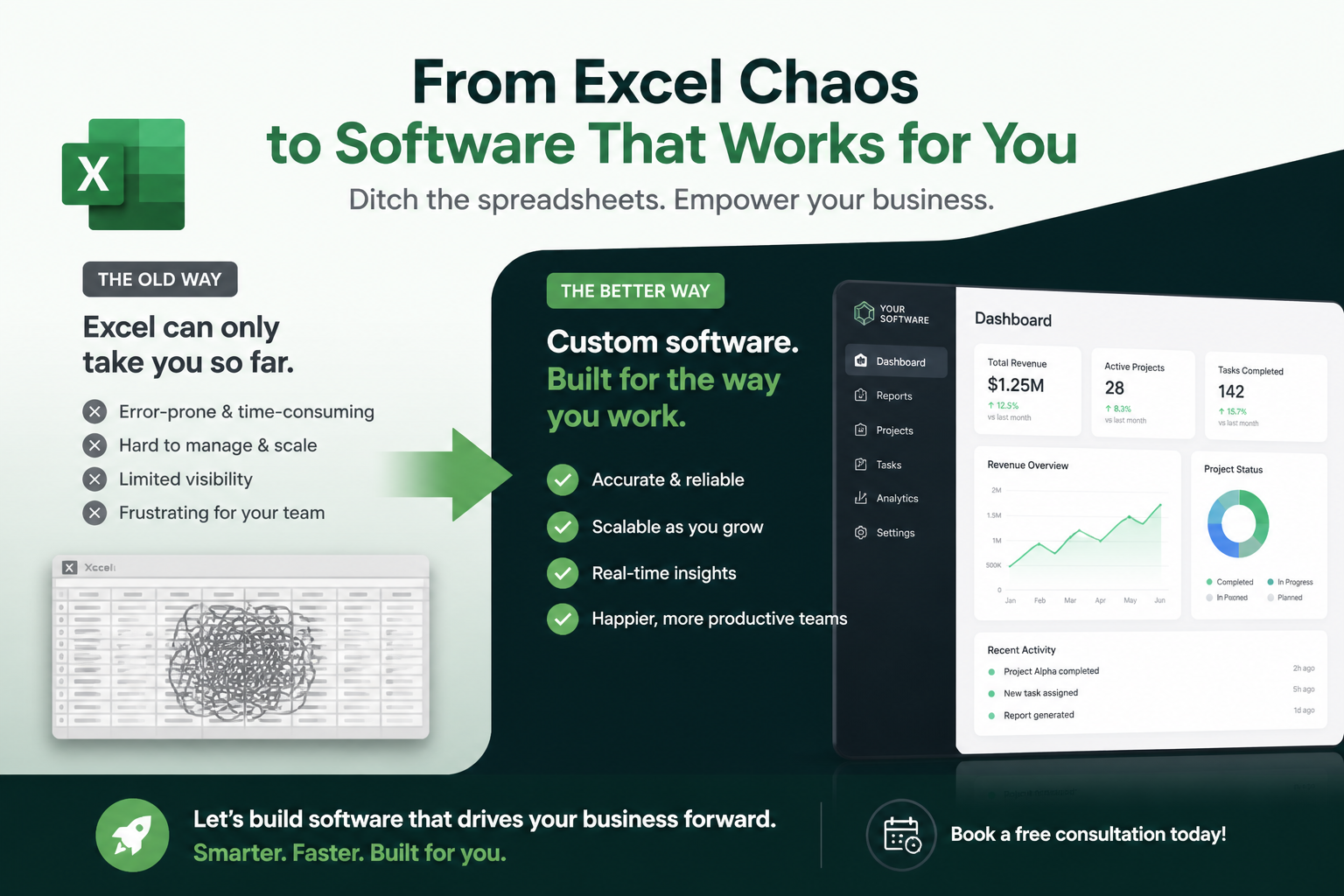
Excel is not the problem. The problem is using Excel as a database, workflow engine, and reporting platform simultaneously — often with dozens of interlinked files maintained by one person who understands the macros. When that person leaves, or the file corrupts, the business discovers it was running on a house of cards.
This article outlines the warning signs, decision criteria, and a practical migration path. For delivery support, see our custom application development service, and read our Excel to web application case study for a real-world example.
Warning signs you have outgrown Excel
Not every spreadsheet needs replacing. But if several of these apply, the conversation should start soon:
- Multiple versions in circulation — "final_v3_REAL_final.xlsx" is a cultural symptom, not a filing problem
- One person holds the knowledge — formulas, macros, and data relationships exist only in one person's head
- Concurrent editing causes conflicts — teams overwrite each other's changes or work in siloed copies
- Data volume causes performance issues — files take minutes to open, recalculate, or crash regularly
- No audit trail — you cannot see who changed what, when, or revert reliably
- Manual re-entry between systems — data is copied from Excel into ERP, CRM, or email by hand
- Compliance or audit concerns — regulators or clients require controlled access, validation, and retention
- Business-critical decisions depend on it — pricing, inventory, scheduling, or financial reporting runs through spreadsheets daily
When Excel is still the right tool
Replacing Excel is not always the answer. Keep spreadsheets for:
- Ad hoc analysis and what-if modelling
- Personal productivity and small-team tracking
- One-off imports/exports and data transformation
- Prototyping before committing to a software build
- Low-volume, low-risk data with a single owner and no integration needs
The trigger for replacement is when a spreadsheet becomes a system of record — the authoritative source of truth that multiple people and processes depend on.
Build custom software vs buy vs low-code
Once you decide to move off Excel, three paths are common:
- SaaS product — if your process matches a well-served vertical (CRM, project management, inventory), an off-the-shelf tool may suffice
- Low-code / no-code platform — faster for simple workflows, but can hit limits on integration, scale, and governance
- Custom web application — when your workflow is unique, integration-heavy, or compliance-sensitive
Our comparison of custom application development vs website builders explains when each approach fits. The key question: does an existing product handle 80% of your needs out of the box, or would you be forcing a square peg into a round hole?
What a good replacement looks like
A well-designed replacement does not simply replicate the spreadsheet layout in a web form. It should improve the workflow:
- Single source of truth — one database, one version, role-based access
- Validation at entry — required fields, data types, and business rules enforced automatically
- Workflow automation — approvals, notifications, and status tracking built in
- Integration — data flows to and from ERP, CRM, and other systems via APIs
- Reporting and dashboards — real-time views without manual pivot tables
- Audit trail — full history of changes with user attribution
How to migrate without disruption
The biggest risk in Excel replacement is not technical — it is change management. Users who have refined their spreadsheet over years will resist anything that feels like a step backwards.
A proven migration approach:
- Document the current spreadsheet thoroughly — every sheet, formula, macro, and edge case
- Involve power users early — they become advocates, not blockers
- Build the minimum viable workflow first — cover the 80% use case, not every edge case on day one
- Run parallel for one cycle — compare outputs between old and new before cutover
- Import historical data — users need continuity, not a blank slate
- Provide training and support — budget time for adoption, not just development
- Retire the spreadsheet — move it to read-only archive; leaving both active guarantees regression
Estimating cost and timeline
Custom replacements vary widely, but typical ranges for SME-scale applications:
- Simple data entry and reporting app — 6–10 weeks, focused scope
- Workflow with approvals and integrations — 3–5 months
- Multi-module platform replacing several linked spreadsheets — 6–12 months, phased delivery
Compare this against the hidden cost of spreadsheet dependency: staff time on manual reconciliation, error correction, inability to scale, and the risk of a single point of failure. Often the ROI becomes clear once you quantify hours spent maintaining the status quo.
Conclusion
Excel served you well while the business was small and the process was simple. When spreadsheets become systems of record — shared, integrated, compliance-sensitive, and business-critical — custom software (or a carefully chosen SaaS product) is the rational next step. The transition works best when you respect what the spreadsheet did well, improve what it could not, and bring users along from the start.
Outgrowing your spreadsheets?
We help businesses assess Excel dependency, design replacements, and deliver custom web applications that teams actually adopt.