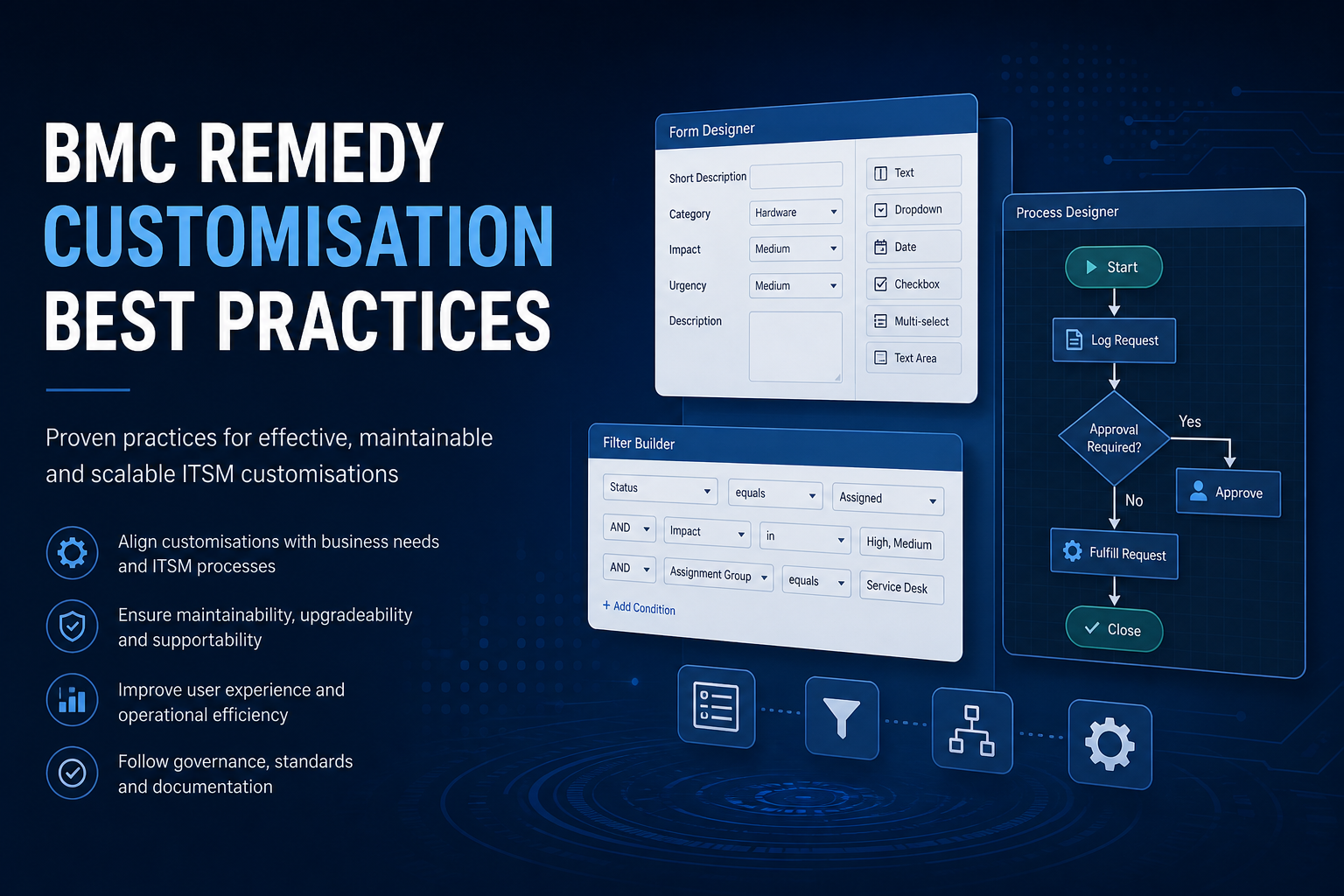
Every Remedy environment starts with good intentions. A filter here to automate a notification, a custom field there to capture business-specific data. Over years — and across multiple administrators — these incremental changes compound into an environment where nobody fully understands the workflow layer, upgrades require weeks of regression testing, and performance issues trace back to filters nobody remembers creating.
Governed customisation prevents this drift. For specialist guidance, see our BMC Remedy & Helix service.
Always develop in overlay mode
Overlay development is the single most important customisation practice. Overlays separate your changes from BMC's base objects, allowing platform upgrades to apply cleanly without overwriting custom work.
- Never modify base objects directly — forms, fields, filters, and active links in the base layer should remain untouched
- Create overlays for all customisations — custom fields, modified views, filter changes, and active link adjustments belong in overlay layers
- Use the Development Mode overlay — develop and test in overlay before merging to production overlay groups
- Maintain overlay group discipline — assign customisations to named overlay groups (e.g., by project or business unit) rather than a single catch-all group
- Verify overlay status before changes — confirm you are working in overlay, not base, before every modification
Environments with extensive base-layer modifications face significantly higher upgrade effort and Helix migration complexity. If your environment has base modifications, plan a remediation project to move them to overlays before the next major upgrade.
Filter and escalation design principles
Filters are the most performance-sensitive customisation type and the most commonly misused:
- One filter, one purpose — avoid multi-purpose filters that handle several unrelated actions. Separate filters are easier to debug, disable, and maintain.
- Qualify narrowly — filter qualifications should be as specific as possible. Filters firing on every transaction on a high-volume form are a primary performance drain.
- Avoid recursive triggers — never create filters where a Set Fields action modifies a field that re-qualifies the same filter. This causes infinite loops or severe performance degradation.
- Minimise external calls — filters making API calls, web service requests, or SQL commands on every execution add latency to every transaction. Use escalations or dedicated integration filters with narrow qualifications instead.
- Name consistently — adopt a naming convention that identifies the form, trigger event, and purpose (e.g., CHG-OnSubmit-NotifyApprover). Future administrators should understand a filter's purpose from its name alone.
- Document filter chains — when multiple filters interact (one filter sets a field that triggers another), document the chain and execution order.
Form and field design
Form customisations affect user experience and system performance:
- Custom fields on overlay, not new base forms — add fields to existing forms via overlay rather than creating entirely new forms when the base form serves the purpose
- Limit visible fields on default views — display only fields relevant to the current workflow stage. Use tabbed panels or progressive disclosure for infrequently used fields.
- Use appropriate field types — character fields for text, integer fields for numbers, selection fields for controlled vocabularies. Avoid storing structured data in free-text fields.
- Index fields used in qualifications and searches — any field used in filter qualifications, escalation queries, or frequent user searches should be indexed.
- Avoid calculated fields where filters suffice — display-only calculations via active links are lighter than stored calculated fields that update on every save.
- Plan field naming — use a prefix for custom fields (e.g., custom_CompanyCode) to distinguish them from base fields in exports and integrations.
Integration customisation patterns
Integrations should follow platform-native patterns rather than workarounds:
- Prefer REST API over direct database access — API integrations are upgrade-safe, auditable, and compatible with Helix. Direct database connections break on schema changes and are incompatible with SaaS.
- Use Integration Service or AR Integration Engine — BMC's integration frameworks provide error handling, retry logic, and monitoring that custom filter-based integrations lack.
- Implement idempotent integrations — design integrations so retrying a failed transaction does not create duplicates.
- Log integration activity — create a dedicated form or use AR System logs to record integration transactions, failures, and retry attempts.
- Separate integration filters from business logic filters — keep integration workflow in dedicated filters that can be disabled independently for troubleshooting.
Governance and change control
Technical best practices fail without organisational governance:
- Customisation request process — require business justification, impact assessment, and approval before any production customisation
- Development/test/production pipeline — no direct production changes. All customisations flow through dev and test environments with documented promotion.
- Version control — export and version-control all customisation objects. AR System does not provide native version control — use external tools (Git, SVN) with regular exports.
- Customisation register — maintain a living document listing every custom object, its purpose, owner, creation date, and last review date
- Periodic review cycle — quarterly review of all active customisations. Disable or remove unused filters, escalations, and forms.
- Upgrade impact assessment — before every BMC patch or version upgrade, assess overlay customisations against release notes for affected objects.
Testing customisations
Every customisation should be tested systematically before production promotion:
- Test the happy path and at least three edge cases per filter or workflow change
- Verify performance impact — measure form save time and filter execution duration before and after
- Test with representative data volumes, not empty test forms
- Confirm no regression on related base functionality — customisations should not break standard ITSM processes
- Document test results and link to the customisation register entry
Conclusion
BMC Remedy customisation best practices boil down to three principles: develop in overlay, design workflow for performance and clarity, and govern changes with the same rigour as any production system. Environments that follow these practices upgrade smoothly, perform reliably, and migrate to Helix with manageable effort. Those that don't accumulate debt that eventually costs more to remediate than the original customisations saved.
Need help governing Remedy customisations?
We audit Remedy environments, remediate base-layer modifications, and establish customisation governance that keeps your ITSM platform maintainable.