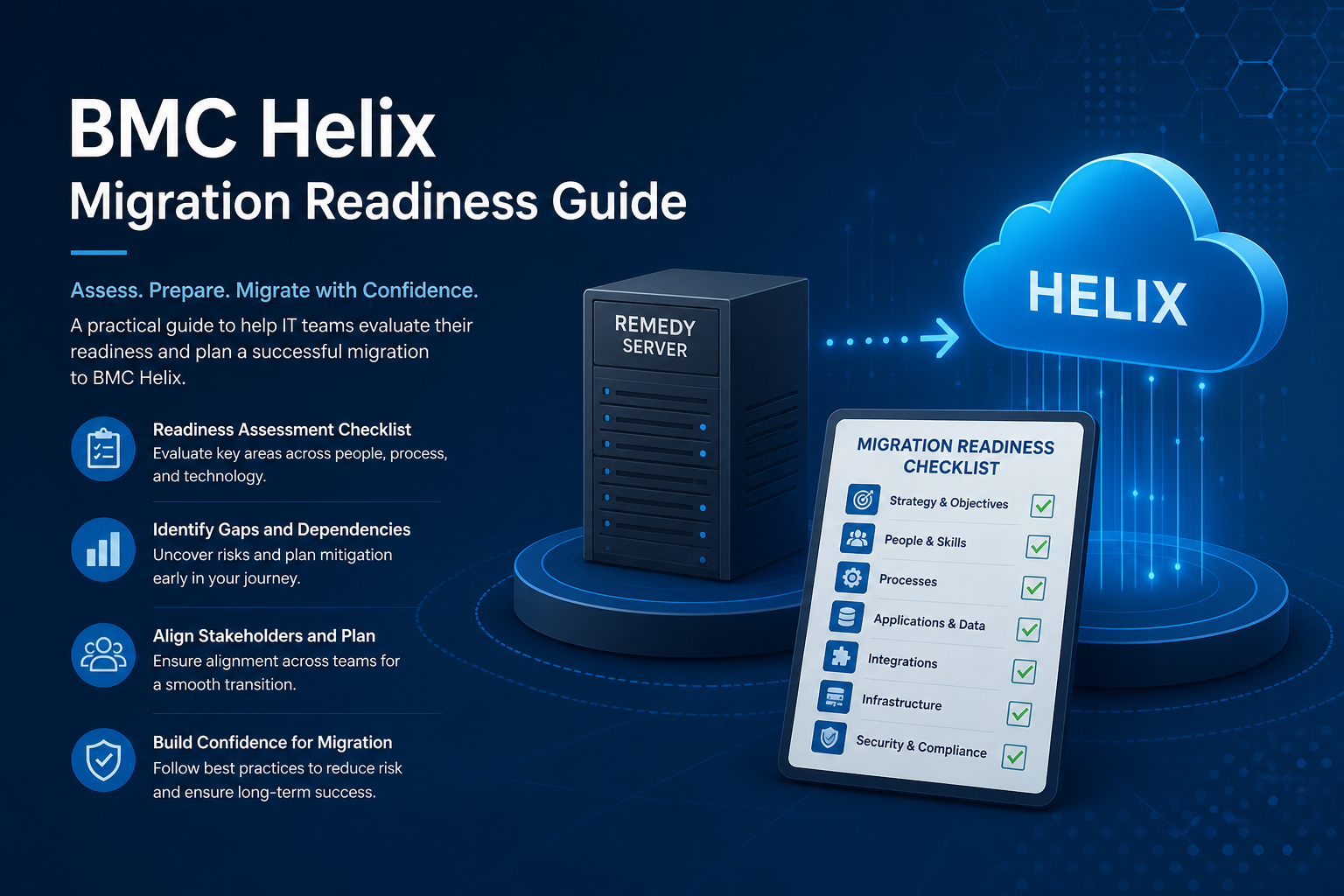
BMC Helix offers cloud-native ITSM capabilities, AI-driven service management, and reduced infrastructure overhead — but only if your current Remedy environment is understood thoroughly before migration begins. Skipping readiness assessment leads to scope creep, extended timelines, and post-migration performance issues that undermine confidence in the new platform.
This guide outlines the critical assessment areas and the questions to answer in each. For delivery support, see our BMC Remedy & Helix service, and read our BMC Remedy migration case study for a real-world example of structured migration delivery.
Why readiness assessment matters
Every Remedy environment is unique. Years of customisations, integrations, and operational adaptations create complexity that generic migration tooling cannot fully anticipate. Readiness assessment quantifies that complexity and produces a realistic migration plan with accurate effort estimates.
Without assessment, organisations typically encounter:
- Undiscovered custom filters and integrations that fail in Helix
- Data quality issues that corrupt migrated records
- Performance problems caused by carrying forward inefficient customisations
- User resistance because migrated workflows replicate old pain points
- Budget overruns from scope discovered mid-migration rather than upfront
A thorough assessment takes four to six weeks for a mid-size environment. That investment prevents months of rework.
Customisation inventory
Start with a complete inventory of everything that differs from out-of-the-box Remedy ITSM:
- Custom forms and fields — document every non-standard form, field, and join. Classify each as essential, desirable, or legacy.
- Filters and escalations — export and categorise all active workflow. Identify filters with external API calls, SQL commands, or recursive logic.
- Active links and menus — map custom UI behaviour and menu structures. Note dependencies between active links and filters.
- Process definitions — catalog SRM process flows, approval mappings, and service catalog customisations.
- Reports and dashboards — list all custom reports, web reports, and dashboard configurations with ownership and usage frequency.
- Overlay vs custom — distinguish between overlay customisations (upgrade-safe) and direct modifications (migration risk).
For each item, assess Helix compatibility: native support, requires adaptation, or requires redesign. This classification drives migration effort estimates.
Integration landscape
Integrations are often the highest-risk migration component. Document every system that connects to Remedy:
- Inbound integrations — monitoring tools, email gateways, self-service portals, chatbots, and automated ticket creation sources
- Outbound integrations — CMDB synchronisation, asset management, HR systems, finance, and notification platforms
- Integration method — AR API, REST API, web services, mid-tier integrations, file-based feeds, or direct database connections
- Authentication — how each integration authenticates and whether credentials need rotation for Helix
- Volume and latency requirements — transaction volumes, peak load patterns, and acceptable latency for each integration
- Ownership — which team maintains each integration and whether documentation exists
Direct database integrations will not work in Helix and must be redesigned as API-based connections. Flag these early — they often represent the largest migration work items.
Data quality and volume
Migration is an opportunity to clean data, not replicate every historical record. Assess:
- Record volumes — total records per form, growth rate, and archive history. Large audit tables significantly extend migration windows.
- Data quality — duplicate records, orphaned relationships, incomplete mandatory fields, and inconsistent categorisation
- Retention requirements — regulatory or policy-driven retention periods that determine how much history to migrate vs archive offline
- Attachment volume — size and count of attachments stored in-database or on file systems
- Reference data — categorisation, assignment groups, support groups, and company/organisation structures that must migrate cleanly
Define migration scope explicitly: active records only, active plus N years of history, or full archive. Cleaning data in the source environment before migration is far cheaper than fixing it in Helix.
Operational readiness
Technical migration succeeds or fails based on operational preparedness:
- Skills assessment — does the current team have Helix administration, Smart IT, and Digital Workplace experience, or is training required?
- Support model — define who supports Helix post-migration. BMC SaaS includes platform support, but application-level support remains the customer's responsibility.
- Environment strategy — plan for development, test, and production Helix tenants. Minimum three environments for a controlled migration.
- Change management — identify user groups, plan communication, training, and parallel running periods
- Rollback plan — define criteria and procedure for reverting to on-premises Remedy if critical issues emerge post-cutover
- Go-live window — select a low-volume period with adequate support coverage for hypercare
Licensing and commercial considerations
Migration readiness includes commercial alignment:
- Current Remedy licensing model and contract terms — exit clauses, notice periods, and transition support from BMC
- Helix licensing model — named vs concurrent users, module entitlements, and consumption-based pricing implications
- User count reconciliation — ensure Helix licensing matches actual user population, not peak historical counts
- Third-party tool licensing — integrations, reporting tools, and monitoring agents may need Helix-compatible versions
- Total cost of ownership comparison — factor in reduced infrastructure costs against Helix subscription fees over a three-to-five-year horizon
Building the readiness report
Consolidate assessment findings into a readiness report that includes:
- Executive summary with go/no-go recommendation
- Customisation inventory with Helix compatibility classification
- Integration map with migration approach per integration
- Data migration scope and quality remediation plan
- Effort estimate by workstream with assumptions and risks
- Recommended migration approach — big bang, phased by module, or parallel running
- Timeline with milestones, dependencies, and resource requirements
This report becomes the foundation for vendor selection, budget approval, and project planning. Invest the time to make it accurate — every underestimate discovered mid-project erodes stakeholder confidence.
Conclusion
BMC Helix migration readiness is not a box-ticking exercise — it is the discipline that separates successful migrations from expensive replatforming projects. Assess customisations, integrations, data quality, operational capability, and commercial alignment before committing to a timeline or budget. The four to six weeks spent on thorough readiness assessment returns multiples in avoided rework, accurate scoping, and stakeholder confidence when migration day arrives.
Planning a move to BMC Helix?
We assess Remedy environments, quantify migration complexity, and deliver structured Helix migrations with minimal disruption to ITSM operations.