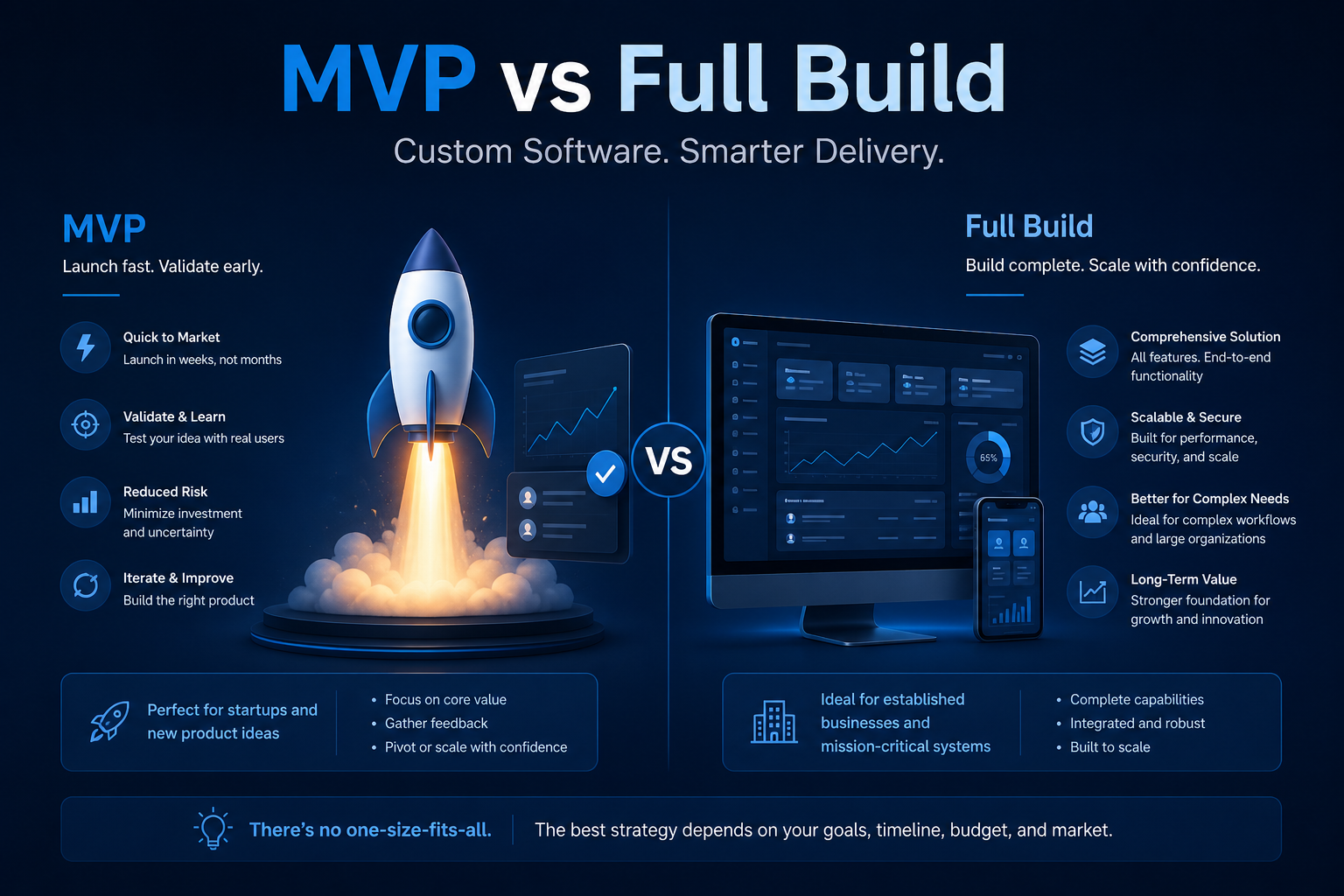
The MVP versus full build debate is often framed as a startup question, but it applies equally to established businesses replacing spreadsheets, modernising legacy systems, or building internal tools. The decision shapes budget, timeline, risk profile, and whether the first release delivers enough value for users to adopt it.
This article compares both approaches with practical criteria for choosing. For delivery support, see our custom application development service, and read our Excel to web application case study for an example of phased delivery that started with focused scope.
What an MVP actually means in custom software
In custom business software, an MVP is not a prototype or proof of concept. It is a production-ready application that solves the core problem for the primary user group — with known limitations that subsequent phases address.
A well-scoped MVP includes:
- The essential workflow — the 80% use case that justifies replacing the current tool
- Core data model — structured to support future features without fundamental rework
- Authentication and role-based access — security is not optional, even in phase one
- Basic reporting — enough visibility to confirm the system works and demonstrate value
- Production hosting — stable, backed up, and supported, not a developer's laptop
An MVP explicitly excludes nice-to-haves: advanced analytics, secondary integrations, mobile apps, complex approval chains, and edge-case workflows. These belong in the backlog for phase two and beyond.
What a full build delivers
A full build aims to deliver the complete requirements specification in a single release. This approach suits projects where:
- Requirements are well understood and stable — the process being automated is mature and documented
- Multiple user groups must go live simultaneously — partial rollout would create more problems than it solves
- Integration with existing systems is essential from day one — the application cannot function without them
- Compliance requires full feature parity before any production use
- The current system is being decommissioned on a fixed date — there is no parallel running period
Full builds typically take three to twelve months depending on complexity. They require more upfront investment in requirements discovery and produce a higher initial cost — but avoid the transition friction of phased rollouts.
Comparing the two approaches
The trade-offs are concrete, not theoretical:
- Time to value — MVP: 6–12 weeks to a working system. Full build: 3–12 months before any production use.
- Initial cost — MVP: 30–50% of total project budget. Full build: 100% upfront, with higher risk if requirements change mid-project.
- Requirements certainty — MVP tolerates ambiguity; you learn from real usage. Full build demands thorough discovery because changes mid-project are expensive.
- User adoption — MVP lets users influence phase two based on experience. Full build requires accurate requirements upfront — errors surface at launch, not during iteration.
- Technical debt — MVP risks shortcuts if architecture is not planned for extension. Full build risks over-engineering features users may not need.
- Change tolerance — MVP accommodates evolving requirements between phases. Full build locks scope early; change requests add cost and delay.
When to choose an MVP
An MVP is the stronger choice when most of these apply:
- The business problem is clear but the ideal solution is not — you need real usage data to refine the design
- Budget is constrained and stakeholders need to see value before committing further investment
- A spreadsheet or manual process can continue running in parallel during phase one
- The primary user group is a single department or team, not the entire organisation
- Integrations can be deferred — manual data transfer is acceptable for an initial period
- Speed matters — a regulatory deadline, competitive pressure, or operational crisis demands fast action
Common MVP candidates: replacing a critical spreadsheet, automating a single approval workflow, building a client portal with core features, or creating an internal tool for one team.
When to choose a full build
A full build is justified when most of these apply:
- The process is well documented with stable requirements that have been validated through discovery
- Partial functionality would not be usable — half an ERP integration or incomplete compliance workflow helps nobody
- Multiple departments depend on the system from launch day and cannot maintain parallel processes
- The legacy system being replaced has a fixed decommission date
- Regulatory or audit requirements mandate complete functionality before production use
- Budget is approved for the full scope and stakeholders accept a longer timeline
Common full build candidates: replacing a legacy system with known requirements, building a compliance-critical application, or delivering a customer-facing platform where incomplete features damage brand perception.
The hybrid approach: phased delivery
Most successful custom software projects use phased delivery — neither a bare-minimum MVP nor a monolithic full build:
- Phase 1 (Foundation) — core workflow, data model, authentication, and essential reporting. Replaces the primary pain point.
- Phase 2 (Extension) — integrations, additional user groups, advanced workflows, and enhanced reporting based on phase one feedback.
- Phase 3 (Optimisation) — analytics, automation, mobile access, and performance tuning driven by usage patterns.
Each phase delivers standalone value. Users adopt phase one while phase two is in development. Budget is committed incrementally based on demonstrated ROI. This approach combines the speed and learning benefits of an MVP with the completeness of a full build — just delivered over time.
Avoiding common scope mistakes
Whether you choose MVP or full build, these mistakes derail projects:
- MVP that is too minimal — if users cannot do their daily job, they will not adopt it, regardless of how fast it was built
- Full build with vague requirements — committing to full scope without thorough discovery guarantees scope creep and budget overrun
- No phase two plan — building an MVP without a committed roadmap for subsequent phases leaves users with a permanently limited tool
- Gold-plating phase one — adding "just one more feature" until the MVP becomes a full build with none of the speed benefits
- Ignoring architecture — even MVPs need a data model and technical foundation designed for extension, not throwaway code
Conclusion
The MVP versus full build decision is not about ideology — it is about matching delivery approach to your requirements certainty, budget, timeline, and user needs. Choose an MVP when you need speed, learning, and incremental investment. Choose a full build when requirements are stable, completeness is essential, and budget supports upfront delivery. In most cases, phased delivery offers the best of both: production value within weeks, with a committed path to the full vision. Define phase one scope precisely, plan the architecture for extension, and treat every release as a product launch — not a beta test.
Not sure where to start?
We help businesses scope custom software projects — whether MVP, full build, or phased delivery — and deliver applications that provide value from the first release.