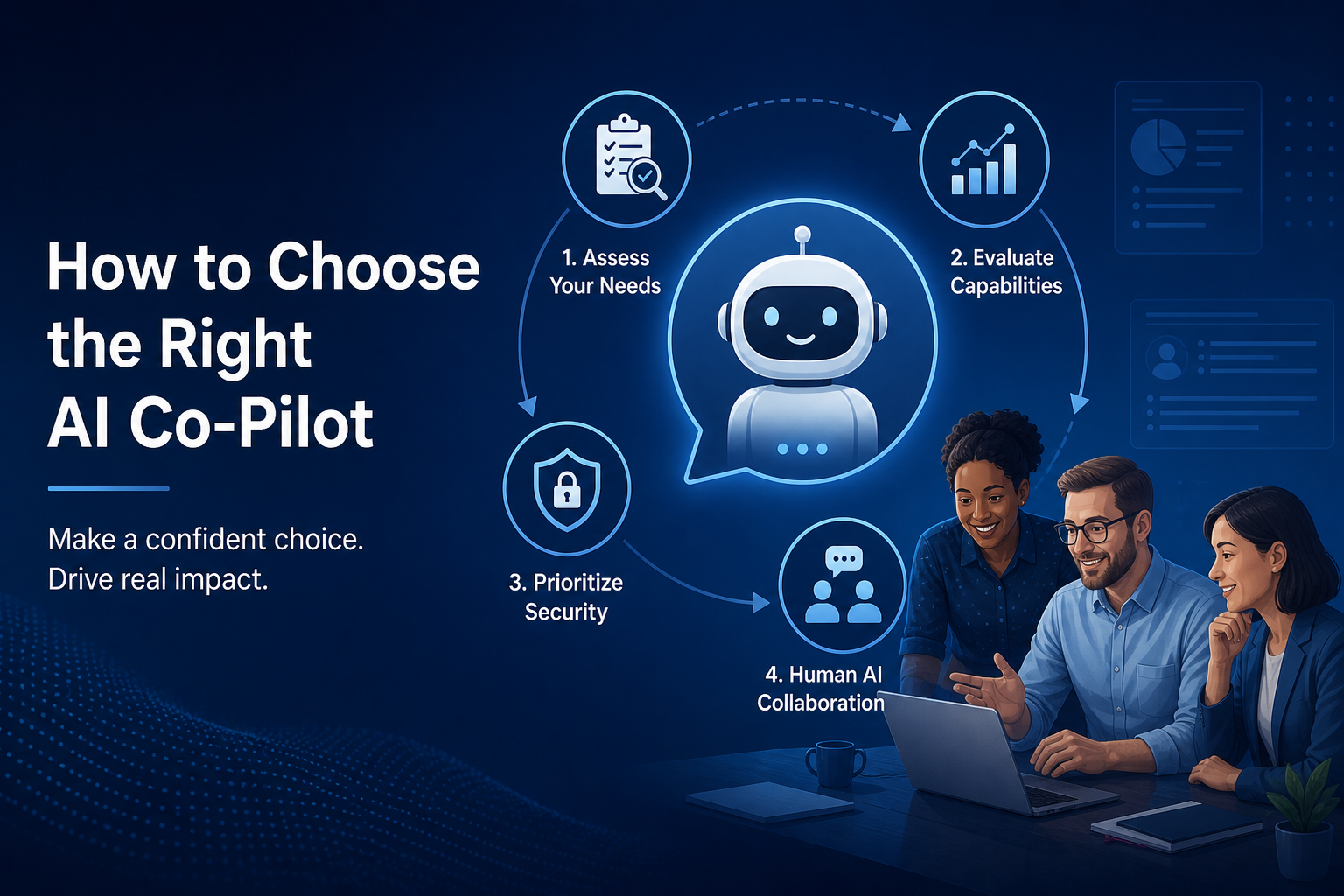
Whether you are evaluating an AI co-pilot for sales teams, an AI co-pilot for customer support, or a single platform for both, the same principles apply: integration, guardrails, and measurable outcomes matter more than model hype.
Why every GTM team is suddenly evaluating AI co-pilots
Over the last 18–24 months, AI co-pilots have gone from interesting demos to serious investments. Vendors promise faster responses, higher conversion rates, and lower support costs by putting AI “next to” your reps and agents in their daily tools.
In practice, not every AI co-pilot is built for the messy reality of queues, SLOs, SLAs, and complex customer journeys. The wrong choice can confuse agents, frustrate customers, and create more oversight work instead of less.
Common traps when choosing an AI co-pilot
Before looking at features, it helps to recognise a few common failure patterns.
- Shiny demo, no integration — Looks great in a sandbox, but cannot plug into your CRM, ticketing, or telephony stack.
- Black-box behaviour — Limited visibility into why the AI produced a given answer, making governance and trust difficult.
- Vanity metrics only — Reporting focuses on “messages sent” or “conversations touched” instead of handle time, CSAT, or revenue impact.
- Big-bang rollout — Trying to automate everything on day one instead of a crawl-walk-run approach that lets you learn safely.
Avoiding these traps is less about the core model and more about how the co-pilot is designed to work inside your processes and systems.
The seven questions to ask before you buy
When you evaluate AI co-pilot for sales and customer service platforms, these questions will quickly separate serious tools from marketing-driven experiments.
1. What specific workflows does this co-pilot improve?
Start with concrete use cases, not abstract promises. Examples for sales and CS teams include:
- Drafting and refining email replies or chat messages
- Summarising calls and updating CRM records automatically
- Surfacing next-best actions based on account history
- Suggesting knowledge-base content or macros during live chats
- Handling certain simple requests end-to-end with guardrails
If a vendor cannot show real examples from organisations that look like yours, be cautious.
2. How does it integrate with your existing stack?
For most teams, value depends on how well the co-pilot connects to CRM, ticketing, telephony, and knowledge systems. Evaluate:
- Native integrations — with tools such as Salesforce, HubSpot, Zendesk, Intercom, Twilio, or your chosen telephony/CCaaS
- Data synchronisation — real-time vs batch, API limits, and error handling
- Workflow placement — where the co-pilot lives (inside your CRM UI, in a sidebar, within your agent desktop, etc.)
The best tools minimise swivel-chair between systems and work where your teams already spend their time.
3. How does the co-pilot learn your business context?
Generic AI is not enough; your co-pilot needs access to your product, policy, and customer data. Check:
- How it ingests and keeps your knowledge base up to date
- Whether it can use CRM and ticket history to personalise suggestions
- How it respects permissions and data-access rules across teams
A phased onboarding model — starting with internal suggestions and moving towards limited automation — tends to earn trust faster.
4. What guardrails and controls do you have?
Trust is earned through control and transparency. Look for:
- Configurable boundaries — which channels and query types AI can touch
- Human-in-the-loop options — draft-only vs auto-send under clear conditions
- Audit trails — of AI-assisted interactions and easy ways to review and correct them
If leaders cannot see what the co-pilot is doing, they will struggle to scale beyond pilots.
5. How is performance measured and reported?
You cannot justify or improve what you cannot measure. Strong platforms connect AI activity to:
- Handle time, first-response time, and resolution rate in support
- Pipeline value, meeting volume, and win rate in sales
- CSAT, NPS, and qualitative feedback such as agent satisfaction
Look for dashboards that show usage, quality, and business outcomes — not just counts of generated responses.
6. How does pricing scale with your usage?
Pricing models vary widely across AI co-pilots. Common patterns include per-user, per-conversation, or consumption-based (tokens, minutes, tasks).
Model your likely usage over 12–24 months, including:
- Seasonality in support volumes and sales cycles
- Expected adoption across teams
- Scenarios where automation increases volume (e.g. deflected tickets)
This helps you avoid surprises where a tool that looked cheap in a pilot becomes expensive at scale.
7. What does governance, security, and compliance look like?
AI co-pilots often touch sensitive customer data, so governance matters. Evaluate:
- Data residency and retention policies
- Support for SSO, role-based access, and audit logs
- Ability to redact or mask sensitive data in logs and prompts
- Alignment with requirements such as GDPR, SOC 2, or ISO 27001
Mature vendors provide clear documentation and are comfortable engaging with your security and compliance teams.
Off-the-shelf co-pilot vs custom agent vs hybrid
Many teams now face a second decision: use built-in co-pilots from existing vendors, adopt a specialised third-party tool, or build custom agents around general-purpose models.
| Option | Strengths | Watch-outs |
|---|---|---|
| Built-in CRM or CCaaS co-pilot | Tight integration, familiar UI, simpler procurement | Limited flexibility, roadmap locked to vendor |
| Specialised AI co-pilot platform | Deep focus on sales/support workflows, richer controls | Another system to manage, integration effort |
| Custom agents on LLM platforms | Maximum flexibility, tailored to your data and stack | Higher build/ops burden, need strong in-house capability |
For many organisations, a hybrid approach works best: start with vendor-native co-pilots for quick wins, then add custom agents or specialised tools where you need deeper integration or differentiation.
Rolling out an AI co-pilot safely: crawl, walk, run
Successful teams treat AI co-pilot deployment as a phased change programme, not a one-off install.
- Crawl — Use AI for internal suggestions only: answer lookups, draft replies, call summaries, with humans in full control.
- Walk — Allow AI to propose actions that agents approve in one click, while closely monitoring quality and impact.
- Run — Gradually automate specific, low-risk workflows end-to-end, with clear guardrails and ongoing QA.
Each phase should generate data that informs the next: where AI helps, where it struggles, and which processes are ready for deeper automation.
Making the right choice for your teams
Choosing an AI assistant for sales and CX is less about finding the “most advanced AI” and more about aligning a tool with your workflows, stack, and risk profile. If you focus on concrete use cases, integration, guardrails, and measurable outcomes, you are far more likely to land on a co-pilot that your sales and support teams actually use.
For organisations still experimenting, a practical approach is to pilot a focused co-pilot on one high-volume use case — such as email drafting in support or call summarisation in sales — then expand once you have real data on value and quality.
Evaluating AI for sales or support?
We help organisations identify high-value AI use cases, integrate co-pilots with CRM and ticketing systems, and deploy with guardrails that scale.